

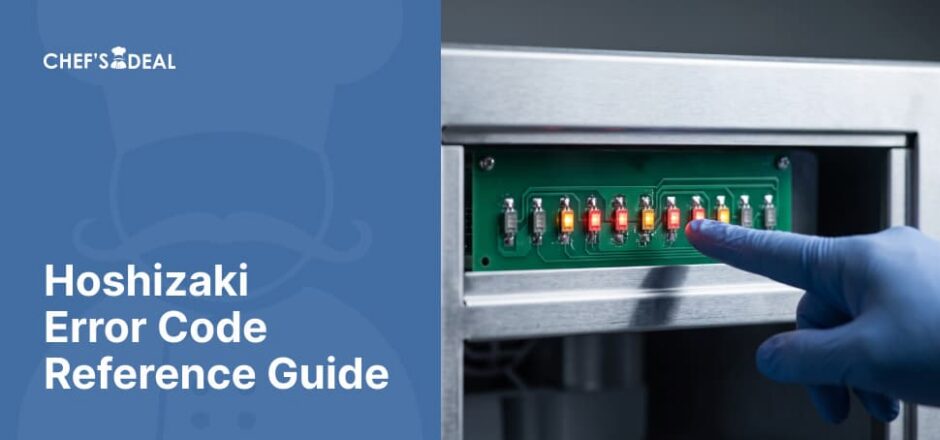
Hoshizaki commercial ice machines do not use a single universal error code system. KM-series crescent cubers use a beep-count system with one, two, or three beeps, while IM-series square cubers use on-screen E-codes such as E1, E2, and EE codes. Applying the wrong system to the wrong series means looking for a code that will never appear.
This guide’s information on Hoshizaki’s two distinct error codes comes from current service manuals for the referenced models: KM-520MAJ and IM-200BAK.
TL;DR
- Two systems, one brand: Hoshizaki ice machines use 2 distinct error-signaling systems. KM-series crescent cubers use 1-, 2-, or 3-beep alarms. IM-series square cubers display codes such as E1, E2, and EE on an LED display.
- Check the prefix first: Confirm whether the model number starts with KM or IM before looking up a code. The 2 systems use different error references.
- Three beeps vs. E1: 3 beeps on KM machines indicate that the freeze cycle exceeded its applicable freeze-timer limit for two consecutive cycles. IM machines show a similar problem as error code E1.
- Use the model-specific reset procedure: Hoshizaki reset procedures vary by error and model. After identifying the code and correcting the underlying condition, follow the reset instructions in the applicable service manual.
- Ice machines only: This guide covers Hoshizaki ice machines. Hoshizaki reach-in refrigerators and freezers use different error codes and are outside this guide’s scope.
Two Different Systems: Beep Codes vs. On-Screen Error Codes
Beep codes and on-screen error codes are two different systems that define how a Hoshizaki ice machine communicates a malfunction, and the system depends on the series.
- Hoshizaki’s KM-series crescent cubers use a beep-count system instead of a numeric display. 1, 2, or 3 beeps identify specific alarm conditions, including the harvest and freeze backup timers.
- Hoshizaki’s IM-series square cubers use a different system. An LED display shows two-character codes such as E1 and E2, while “EE” identifies an error recorded in the error log.
These two systems are not interchangeable: a KM machine does not use the IM-series E1 display code, and an IM machine does not communicate its listed errors through the KM beep-count system. Other Hoshizaki lines, including DCM cubelet dispensers and F-series flakers, use their own separate error and alarm systems. Always confirm the model prefix before troubleshooting.
KM Series: Beep Codes
KM series beep codes communicate errors through a fixed number of audible signals rather than a printed code. Hoshizaki’s control board requires a manual reset for these safety alarms.
| Beeps | Alarm | What Triggers It |
| 1 beep | High Evaporator Temperature | Suction-line thermistor reaches above the model’s high-temperature safety threshold |
| 2 beeps | Harvest Backup Timer | Harvest cycle exceeds 20 minutes for 2 consecutive cycles |
| 3 beeps | Freeze Backup Timer | Freeze cycle exceeds the model’s factory-set maximum (50, 60, 70, or 75 min., depending on model and DIP-switch setting) for 2 consecutive cycles |
Reset a KM machine by pressing the ALARM RESET button on the control board while the power remains on. The alarm does not clear itself without a manual reset.
This table covers beep meanings at reference depth only. Operators who need more than the reference meanings can follow the 3 Beeps and No Ice troubleshooting walkthrough for a 3-beep alarm.
IM Series: On-Screen Error Codes
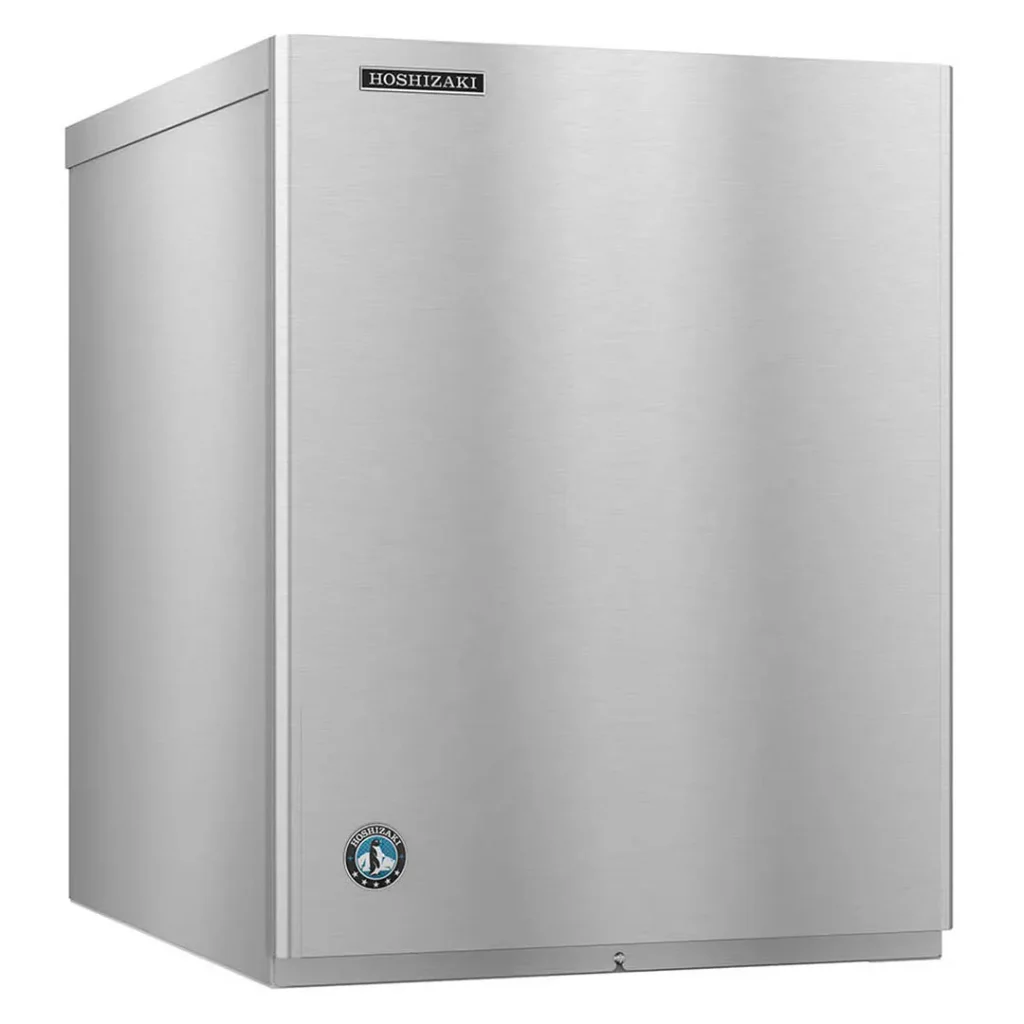
IM series on-screen error codes appear as a 2-character code on the LED display. E1 and E2 display directly when they occur. All other errors display as “EE” when they occur, while the specific code appears in the error log.
| Code | Problem | What to Check / Reset |
| E1 | Freeze Cycle Backup Timer | Freeze cycle ran too long. Check the inlet water valve, hot gas valve, pump motor, thermostatic expansion valve, refrigerant charge, or compressor efficiency. Press RESET. |
| E2 | Harvest Cycle Backup Timer | Harvest cycle ran too long. Check the thermistor, hot gas valve, thermostatic expansion valve, refrigerant charge, or compressor efficiency. Press RESET. |
| EE (E3) | Water Tank Opening Backup Timer | Actuator motor or control board issue. Press RESET. |
| EE (E4) | Water Tank Closing Backup Timer | Actuator motor or control board issue. Press RESET. |
| EE (E5) | High Evaporator Temperature | Check for a harvest problem, hot water entering the unit, or a shorted thermistor. Press RESET. |
| EE (E9) | Condenser Thermistor Error | Applies only to models with a condenser thermistor. Replace the condenser thermistor. |
| EE (EA) | Control Board Error | Requires control board replacement. |
| EE (EC) | Evaporator (Cube Control) Thermistor Error | Requires evaporator thermistor replacement. |
| EE (Ed) | Water Regulating Valve Error | Applies only to models with a water-regulating valve. Check the valve. Press RESET. |
Press RESET with the unit powered on to clear most IM-series error codes. The control board and thermistor errors require replacing the component rather than a simple reset. The error log stores up to 5 recent errors. Access the log through the control board’s information display to identify the error that appeared as “EE” when it occurred.
Quick Lookup: Which Error System Does My Model Use?
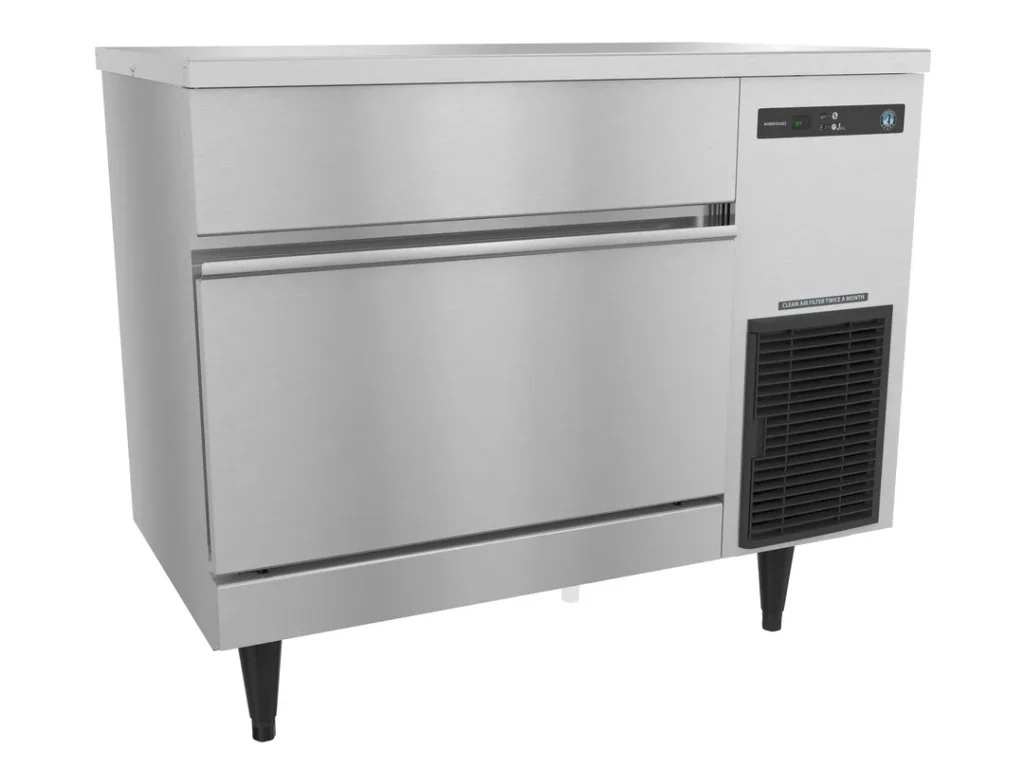
The first two letters of the model number tell you which error system your model uses. Models beginning with KM use the beep-count system, while models beginning with IM use the on-screen E-code system.
| Model Prefix | Series | Error System |
| KM | Crescent Cuber | Beep count (1, 2, or 3 beeps) |
| IM | Square Cuber | On-screen E-code (E1, E2, or EE) |
DCM (cubelet dispenser) and F (flaker) are other Hoshizaki model prefixes, but they use their own error or alarm systems. Check the service manual for the exact DCM or F model on Hoshizaki’s website rather than applying the KM or IM system.
Finding Your Model and Serial Number Before You Look Up a Code
Finding your model and serial number before you look up a code saves time when troubleshooting a Hoshizaki ice machine or contacting Hoshizaki Technical Support. Hoshizaki’s KM and IM service manuals instruct users to provide the model number, serial number, and a detailed description of the problem when requesting technical support.
The model number and serial number appear on the unit’s rating plate and nameplate, typically located on an interior panel or the rear of the unit. The exact location varies by model, so check the applicable instruction manual before searching for the plate.
Have both numbers ready before troubleshooting or calling Hoshizaki Technical Support at 1-800-233-1940. The model number identifies the applicable series and documentation, while the serial number helps identify the specific machine. These numbers also help prevent a common error-code lookup mistake: applying information from a discontinued model to a current Hoshizaki machine.
A Common Mistake: Using Data From a Discontinued Model
Using data from a discontinued model is a common mistake that can lead to an incorrect error-code reference when an older manual no longer matches the current machine. Error-code references circulating online sometimes rely on older or discontinued models rather than the current equivalents, even when the model names and control systems appear similar.
Hoshizaki has replaced several models used in older documentation. IM-200BAC, for example, is discontinued and replaced by IM-200BAK; the discontinued IM-500SAA was replaced by IM-500SAB, which IM-544SAK later replaced. These replacement histories make the model number an important part of any error-code lookup.
This guide uses the current service manuals as the primary source and treats discontinued manuals as cross-reference material only. Verify the current model number before identifying an error code’s meaning, the timer value, or the reset procedure. The model number, serial number, and applicable service manual provide the safest basis for verifying a Hoshizaki error code before calling a technician.
When to Call a Technician
Call a technician when an error returns after a reset, when it identifies a component-related fault, or when it falls outside the systems covered in this guide. Three situations warrant technician evaluation rather than repeated reset attempts.
- An error recurs immediately after a reset: A code that returns after pressing RESET indicates that the underlying condition has not been resolved and needs further diagnosis.
- A component-replacement code appears: Control board and thermistor errors, including EE (EA) and EE (EC) on IM models, require component-level diagnosis rather than repeated resets.
- A code not found in this guide: A code outside the KM beep sequence and the IM on-screen E-code belongs to a series this guide doesn’t cover, such as DCM, F-series, or Hoshizaki’s separate reach-in refrigeration line.
These situations do not automatically indicate a major failure. They mean the problem requires diagnosis beyond the reference checks covered in this guide.
FAQs About Hoshizaki Error Codes
What does error code E1 mean on a Hoshizaki ice maker?
The E1 error code for the IM-series means the freeze cycle ran longer than the backup timer allows; the applicable service procedure checks items such as the inlet water valve, pump motor, hot gas valve, expansion valve, refrigerant charge, and compressor efficiency, rather than a single failed component.
My Hoshizaki error code isn’t listed here. What should I do?
An error outside the KM beep sequence and the IM E1, E2, or EE codes may belong to a Hoshizaki series not covered in this guide, such as a DCM cubelet dispenser, F-series flaker, or reach-in refrigeration unit. Check the exact model’s service manual in Hoshizaki America’s Manuals & Guides, or contact Hoshizaki Technical Support with the available model and serial number.
How do I reset a Hoshizaki machine after an error code?
Press the ALARM RESET button on the control board on KM-series machines while the unit remains powered on. On IM-series machines, press RESET with the unit powered on. EE (E9), EE (EA), and EE (EC) require replacing the component, not just resetting it.
Where can I download the official Hoshizaki error code guide?
You can download the official Hoshizaki error code guide from the brand’s site under Service & Support > Manuals & Guides, or via the Parts Manual Lookup tool. Use the exact model number to select the correct manual.
Which Hoshizaki models share the same error codes?
Hoshizaki models within the same service-manual family generally share the same error system and documented code meanings. KM-series crescent cubers use the same 1-, 2-, and 3-beep framework, while IM-series square cubers use the E-code framework. Model-specific timer settings still require verification against the exact model’s current manual.
Does this guide cover Hoshizaki reach-in refrigerator and freezer error codes?
No. This guide covers Hoshizaki ice machines only. Hoshizaki’s Steelheart reach-in refrigerators and freezers use a separate control system. Check the unit’s manual, or watch for a dedicated future guide.
Can I fix Hoshizaki error code E2 myself, or do I need a technician?
Yes, you can sometimes fix the Hoshizaki error code E2 with a simple reset if it is a one-time fluke, but a recurring E2 requires technician diagnosis.
Conclusion
Knowing the correct Hoshizaki series, model number, and error system prevents a simple lookup mistake from turning into the wrong diagnosis or replacement part. KM machines use beep counts, while IM machines use on-screen E-codes. You can reset the machine while it’s powered on, but recurring alarms or component-related errors require more than a reset.
Chef’s Deal stocks genuine Hoshizaki replacement parts, including control boards, thermistors, valves, and more. Check your model’s current service manual or contact the Chef’s Deal team to match the part to the machine’s model number.

