

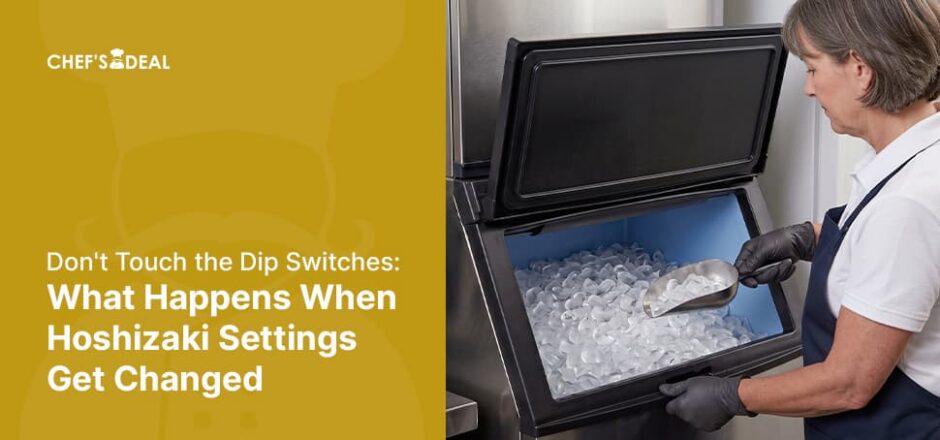
Hoshizaki dip switches let commercial ice machine operators configure purge timers, ice thickness, float switch types, and cleaning/flush cycles. However, adjust these dip switches according to the Hoshizaki manual, and do not change any dip switches that must remain factory-set. For instance, a technician changes a few settings on a service call; months later, the operator puts them back to factory settings from memory. However, when dip switches are not reverted properly, the machine’s behavior changes in a way that looks like a mechanical fault rather than a settings error.
TL; DR: Hoshizaki Dip Switch Settings
- Hoshizaki’s service manual states that the dip switches are factory set, and that not maintaining those settings can affect performance and warranty coverage.
- On the current modular Crescent Cuber family, the manual’s Control Board Check procedure names only five of the ten S4 switches, 1, 2, 3, 4, and 5, as flexible cleaning adjustments. The S4 (6, 7, and 8) and all five S5 switches belong at factory default.
- The S4 switches 9 and 10 are adjustable but require the operator to contact Hoshizaki Technical Support at 1‑800‑233-1940 before changing the settings.
- Restoring “factory default” from memory, rather than checking the Hoshizaki manual or consulting a professional, can go wrong because a flexible switch looks identical and the error can be difficult to detect.
The Story: Reverting Settings from Memory Went Wrong
The story behind this failure started as an attempt to fix something. A previous technician had moved several DIP switches away from factory default on a modular crescent cuber, and the machine never ran right afterward. The operator worked through both S4 and S5 switches from memory, returning some switches to what they believed was factory and leaving others where the previous tech had put them.
The result matched neither the original factory setup nor the technician’s deliberate changes: a new, undocumented state. Another technician reviewing the positions noted the configuration still did not look right and advised confirming the real defaults for that exact model against the service manual or Hoshizaki Technical Support.
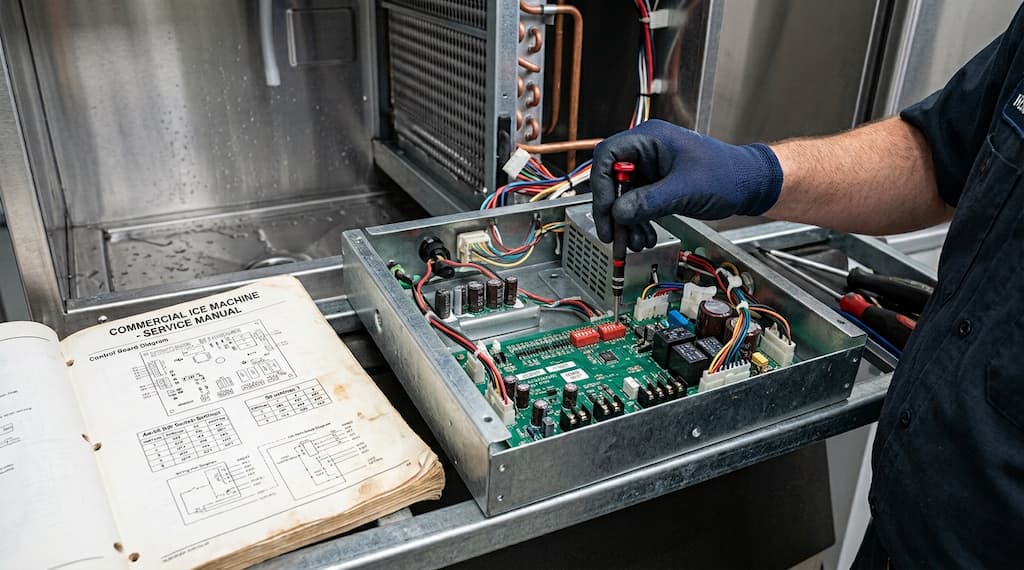
Dip switches on a Hoshizaki control board are unlabeled, physically identical, and grouped in two banks. There is no visual difference between a switch that controls pump-out frequency, something Hoshizaki expects you to adjust for bad water, and one that carries a printed warning against touching it. It is difficult to identify them by looking at them, and what separates them lives in the service manual, not on the board.
Why Hoshizaki Says Not to Touch Them
Hoshizaki recommends that dip switches not be touched, since adjusting them may damage the ice machine and void warranty coverage. An incorrect freeze timer or pump-out timer can cause the machine to cycle and make ice outside its designed parameters, and a warranty claim for wear on the relevant component becomes void once the switch positions are inspected.
Which Switches Are Actually Flexible (and Which Aren’t)
Only a small subset of the switches on a Hoshizaki modular crescent cuber are described by the manufacturer as adjustable; the rest must remain at factory default. Below is the switch-by-switch breakdown from the manual’s Control Board Check procedure:
| Switch | Function | Manual’s Position |
| S4 – 1 & 2 | Harvest timer | Flexible, Used for Extra Cleaning |
| S4 – 3 & 4 | Pump-out time/harvest time during pump-out | Flexible, used for longer pump-out time when water quality is bad |
| S4 – 5 | Pump-out frequency control | Flexible, used for more frequent pump-out when water quality is bad |
| S4 – 6 | Harvest pump time (harvest assist) | Factory default; do not adjust |
| S4 – 7 | Harvest pump time (harvest assist) | Factory default; do not adjust |
| S4 – 8 | Factory use | Factory default; do not adjust |
| S4 – 9 & 10 | Freeze timer | Adjustable, but contact Hoshizaki Technical Support before making any changes |
| S5 – 1 | Pump-out circulation selection | Factory default; do not adjust |
| S5 – 2 & 3 | Refill counter | Factory default; do not adjust |
| S5 – 4 | Minimum harvest time | Factory default; do not adjust |
| S5 – 5 | Anti-slush | Factory default; do not adjust |
The Freeze Timer: Where Dip Switches Meet the 3-Beep Alarm
The “3 Beep” alarm, as explained in the Hoshizaki service manual and in our ‘‘3 Beeps and No Ice”: A Real Troubleshooting Walkthrough After a Machine Got Moved article, indicates that the machine has triggered a safety shutdown because the freeze cycle exceeded the programmed Freeze Timer limit for two consecutive cycles.
It will trigger the 3-beep alarm if the Freeze Timer limit set by Dip Switches 9 and 10 is configured too low for current operating conditions. Adjusting Dip Switches 9 and 10 extends this safety timeout and prevents the alarm. But if an underlying mechanical or refrigeration fault exists, modifying the timer will only delay the error rather than resolve the root cause.
What to Do Instead of Guessing
Instead of risking your Hoshizaki ice machine by guessing on switch positions, you should:
- Photograph or write down both S4 and S5 sets before you touch them: Record all ten S4 positions and all five S5 positions. This alone will prevent incorrect switch positions and irreversible guesses, and it will let you undo the changes.
- Confirm the factory settings by looking in the manuals for your exact model: Factory positions differ between models in the same family, and switch functions can differ between control board revisions. Check the model’s manual for the correct positions.
- Avoid changing switch positions except for those explicitly defined as Flexible or Adjustable: Adjust only the dipswitches clearly stated as Adjustable or Flexible.
- Call Hoshizaki Technical Support when the documented default is unclear: Confirming a position over the phone is faster than diagnosing the symptoms it causes.
When to Call a Technician
You should call a qualified Hoshizaki service technician when:
- The current dip switch configuration cannot be confirmed against the documented factory defaults for that exact model and control board revision.
- An unknown configuration is a problem, whether the machine is misbehaving or not.
- A switch outside the flexible adjustments has moved, and you cannot confirm its original position.
- Extended freeze or harvest cycles, jamming, or alarm codes appeared right after someone changed settings.
FAQs About Hoshizaki Dip Switch Settings
What happens if I set a Hoshizaki dip switch wrong?
It depends on which switch. The freeze timer on S4 switches 9 and 10 can trigger a safety shutdown and the 3-beep alarm, while harvest and pump-out timing switches produce symptoms that look like an unrelated mechanical fault, making the real cause harder to find.
Which Hoshizaki dip switches should never be touched?
S4 switches 6, 7, and 8, as well as all S5 switches, must not be touched and must remain as factory set.
How do I find the correct factory dip switch settings for my Hoshizaki model?
To find the correct factory dip switch settings for your Hoshizaki model, check the default dip switch settings table in the service manual for your exact model, or contact Hoshizaki Technical Support. Do not rely on memory or settings from a different machine.
Is it safe to change Hoshizaki dip switch settings?
Only a small subset of dip switches is described by Hoshizaki as flexible cleaning adjustments on the current modular Crescent Cuber family: S4 switches 1, 2, 3, 4, 5, 9, and 10 per the manual’s Control Board Check procedure. Everything else should be at factory default, and the manual warns that not maintaining factory settings can degrade performance and void warranty coverage.
Final Thoughts: Treat Dip Switches as Documentation, Not Adjustment
The decision rule on Hoshizaki dip switches is simple: only the dip switches specified in the model service manual are adjustable, and you must comply with the manual’s instructions for any change in the S4 and S5 switches. Because the physical switches across banks S4 and S5 are unlabeled and identical in appearance, altering them without consulting official documentation can alter the unit’s behavior in ways that mimic complex mechanical failures.
Attempting to restore factory defaults from memory often compounds these issues, creating undocumented board configurations that severely complicate diagnostics and troubleshooting. If you cannot confirm from the correct document which category a switch falls into, consult Hoshizaki or call a certified technician.
Ultimately, while certain switches (such as S4 switches 1 through 5) are designated for routine operational adjustments like cleaning, critical settings like S4 switches 9 and 10 require strict adherence to the service manual or direct consultation with Hoshizaki Technical Support. Do not touch S4 switches 6, 7, 8, or any S5 switches to prevent unnecessary downtime, misdiagnoses, and potential voiding of warranty coverage.
Chef’s Deal carries Hoshizaki modular crescent cubers, ice storage bins, replacement control boards, and water filtration systems for ice machines, with competitive pricing, free shipping on qualifying orders, financing, and parts and service support available across the catalog.

